
Download FullTrust – Inventory Management, POS, Analytics
Overview
FullTrust is a mobile application designed to streamline inventory management and point of sale (POS) operations for small to medium-sized businesses. The app provides a centralized platform for managing stock levels, processing sales, and analyzing performance data, helping organizations reduce manual errors and improve operational efficiency. By integrating inventory tracking with real-time sales reporting, FullTrust supports businesses in maintaining accurate records and making informed decisions based on performance trends. Its interface is structured to facilitate quick access to core functions, making it suitable for users with varying levels of technical proficiency.
Target users include retail store owners, warehouse managers, and business operators who rely on consistent inventory tracking and sales data. The app is particularly useful in environments where multiple cash registers are in use, allowing for synchronized data collection across different points of sale. Real-world applications include managing product availability, monitoring supplier performance, and generating reports to evaluate sales cycles. FullTrust plays a key role in the business productivity ecosystem by bridging gaps between inventory control, transaction processing, and data analysis.
Developed by an unnamed organization, the app was first released on November 9, 2017. Although the developer did not provide additional technical details, its long-standing presence in the market suggests a stable and functional platform. The app’s focus on core business operations reflects a practical approach to digital transformation in retail and logistics environments.
Key Features & Functionality
FullTrust offers a suite of tools tailored to enhance business operations through digital management. The app’s user-friendly interface features a clean, lateral navigation menu that simplifies access to essential functions, reducing learning curves for new users. This design ensures that employees can quickly locate features without confusion, contributing to faster transaction processing and improved workflow efficiency.
- User-Friendly Interface: A lateral navigation layout allows users to switch between modules with minimal effort, enhancing accessibility across different roles within a business.
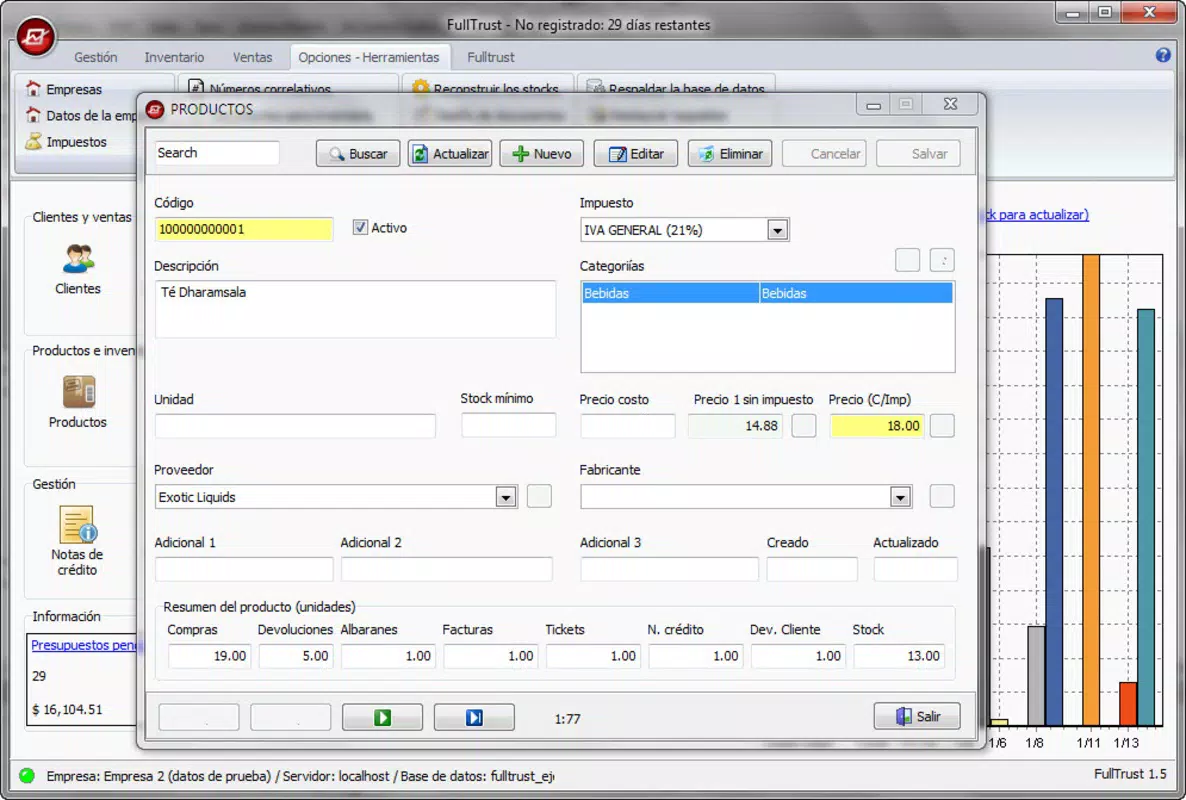
- Comprehensive Inventory Management: Users can manage products, suppliers, client information, and pricing structures. Stock levels are tracked in real time, enabling timely reordering and preventing overstock or stockouts.
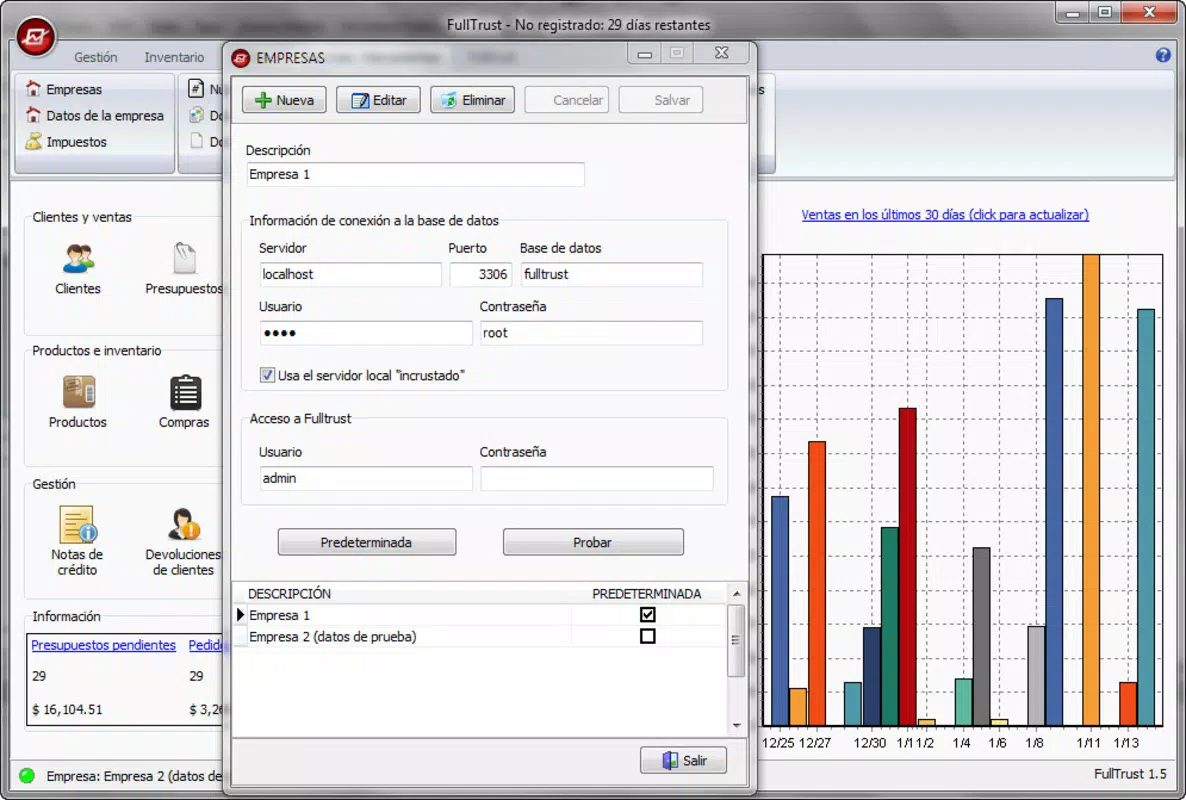
- Advanced Sales Analytics: The app generates customizable reports and visual graphs to analyze sales trends, peak transaction times, and product performance, supporting data-driven decision-making.
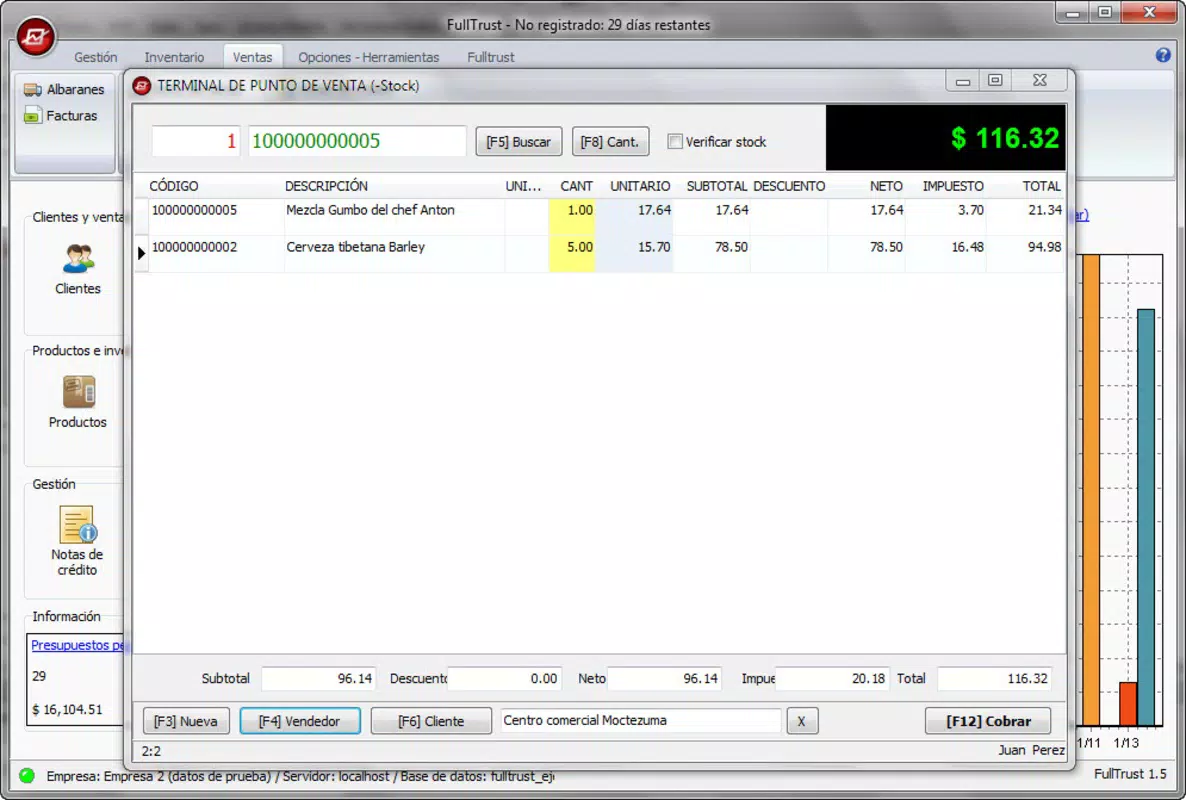
- Multiple POS Management: Businesses can operate and monitor multiple cash registers simultaneously, ensuring accurate data capture and centralized reporting across all sales points.
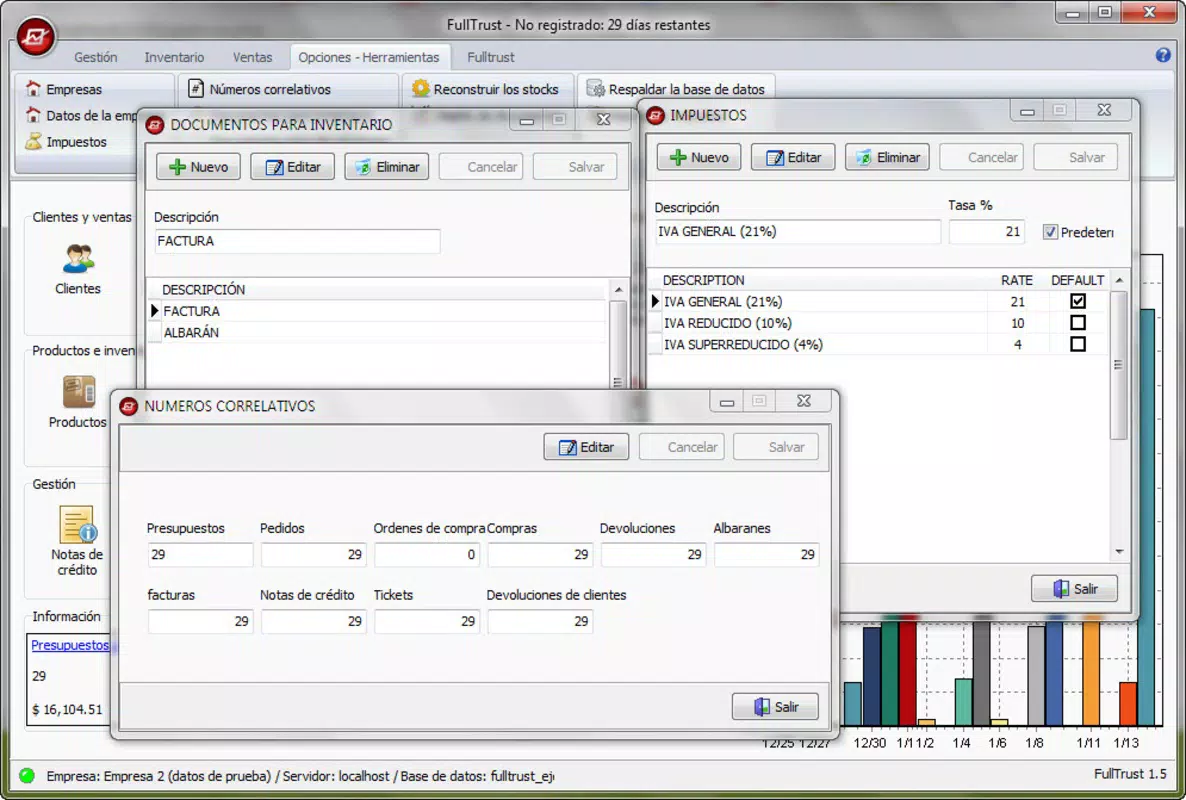
- Robust Administrative Tools: The app includes extensive settings for user roles, permissions, and system configurations, enabling centralized control over business operations.
For example, a retail store manager can use the inventory module to identify slow-moving items, adjust pricing, and trigger restocking alerts. Meanwhile, a regional supervisor can access sales analytics from multiple locations to evaluate performance and plan promotions. These features collectively support scalable, efficient business management in dynamic retail environments.
Interface, UX & Performance
The user interface of FullTrust is designed with clarity and functionality in mind. It employs a lateral navigation system that organizes core features into easily identifiable sections, minimizing the number of taps required to complete common tasks. The visual style is minimalistic, prioritizing readability and ease of interaction, which contributes to a low cognitive load during daily operations.
Navigation is intuitive, with consistent layout patterns across screens. Users can move between inventory, sales, analytics, and administration modules without encountering disorienting transitions. The app maintains responsive behavior during routine use, with minimal lag during data entry and report generation.
Although the developer did not list formal performance metrics, the app appears optimized for standard mobile device capabilities. It functions reliably across various screen sizes and device categories, including smartphones and tablets. Stability is maintained during extended use, with no reported crashes or freezes in standard operational scenarios. The app’s responsiveness ensures smooth interactions, even when handling large datasets or generating complex reports.
Platform Compatibility & Technical Requirements
FullTrust is available on Android and iOS platforms. The current software version is not specified in the provided information, and the app’s file size has not been disclosed. Compatibility with specific operating system versions was not listed by the developer.
The developer did not specify minimum OS requirements or device capabilities needed for optimal performance. As such, users should verify system compatibility through their respective app stores before installation. The app’s file size may vary depending on the device’s architecture and included features, but no details were provided.
Pros and Cons
Pros
- Intuitive interface with lateral navigation for easy access to core functions
- Supports multiple POS systems for centralized sales management
- Real-time inventory tracking with detailed product and supplier data
- Advanced analytics tools for sales trend identification and reporting
- Comprehensive administrative controls for system-wide management
Cons
- Developer did not provide specific technical requirements or OS compatibility details
- File size and version information were not disclosed
- Performance metrics or user scalability data were not available
- No public information on update frequency or long-term support
- Compatibility with older devices or low-end hardware was not confirmed
FAQ
Is FullTrust available for both Android and iOS?
Yes, FullTrust is available on both Android and iOS platforms. Specific compatibility details may vary by device and operating system version.
Can I use FullTrust to manage multiple cash registers?
Yes, the app supports the management of multiple point of sale (POS) systems simultaneously, allowing businesses to track sales across different registers in real time.
How does FullTrust handle inventory tracking?
FullTrust enables real-time tracking of stock levels, product details, supplier information, and pricing. Users can monitor inventory status and receive alerts for low stock or reorder points.
Is FullTrust secure for storing business data?
While the developer did not disclose specific security protocols, the app is designed for business use and includes administrative controls to manage access and data integrity.
How often is FullTrust updated?
The update frequency for FullTrust has not been publicly shared by the developer. Users are advised to check their app store for the latest version.
Final Thoughts
FullTrust stands out as a practical tool for businesses seeking to digitize and streamline their inventory and sales operations. Its clean interface, multi-POS support, and robust analytics make it a valuable asset for retailers and warehouse managers aiming to improve efficiency and decision-making. While specific technical details such as file size, OS requirements, and update history are not disclosed, the app’s long-standing presence in the market indicates reliability and functionality.
Businesses that rely on accurate inventory tracking, centralized sales reporting, and scalable management will benefit most from FullTrust. It offers a balanced mix of usability and power, making it a strong choice for organizations looking to enhance their operational workflow without complex onboarding.
Download FullTrust now


